
Virtual assistant for small business
In a small business, a virtual assistant should start on weekly, rule-based tasks that cost you time but not judgement. Prove the handover works, then add more.
Tools our VAs use for this


A virtual assistant for a small business is a remote assistant who takes on your recurring admin: inbox, diary, data entry, research, documents and customer follow-up. Start with the tasks that repeat every week and need your judgement least, write each one down once, and review the work weekly for the first month. Choose between a freelancer you manage yourself and a managed agency on supervision, cover and security, and compare the hourly rate with the full cost of a part-time hire.
On this page
What does a virtual assistant do for a small business?
A virtual assistant does the office work an in-house assistant would do, from a remote desk, in your own systems. For a small business that usually means the inbox, the diary, data entry, research, document preparation and routine customer and supplier admin. Our guide to what a virtual assistant does has the full task list with examples, so this guide stays on the buyer's question: what to hand over first. If you want one person for your own diary and errands, see virtual assistant vs personal assistant.
Types of virtual assistant service
Most small businesses choose between three kinds of virtual assistant help: a freelancer, a managed agency or AI tools. They suit different needs, and the hourly price is only one part of the decision. If you want the managed route for office admin, our admin virtual assistant service is one example of how it works.
Freelancers
You find, interview and manage an individual, usually through a marketplace or a referral. You agree the rate, the hours and the tasks directly. This can work well for a defined project or a few hours a week. The trade-off is that the management sits with you: if the freelancer is ill, takes on another client or leaves, the cover, the handover and the search for a replacement are yours too.
Managed agencies
An agency recruits the assistant, supervises the work and stays responsible for the service. You agree the tasks and the hours; the agency handles recruitment, quality checks and cover. The questions to settle are whether your assistant is dedicated to you or shared across a pool, who supervises them, and what happens if the fit is wrong.
AI tools and their limits
AI writing and scheduling tools can draft a reply, summarise a document or suggest a meeting time. They are useful for one-off tasks you check yourself. They do not own a process: they will not chase a late supplier, notice that an invoice looks wrong, or remember that a client prefers a phone call. For recurring admin that needs judgement and follow-through, most small businesses still need a person, who may use those tools as part of the job.
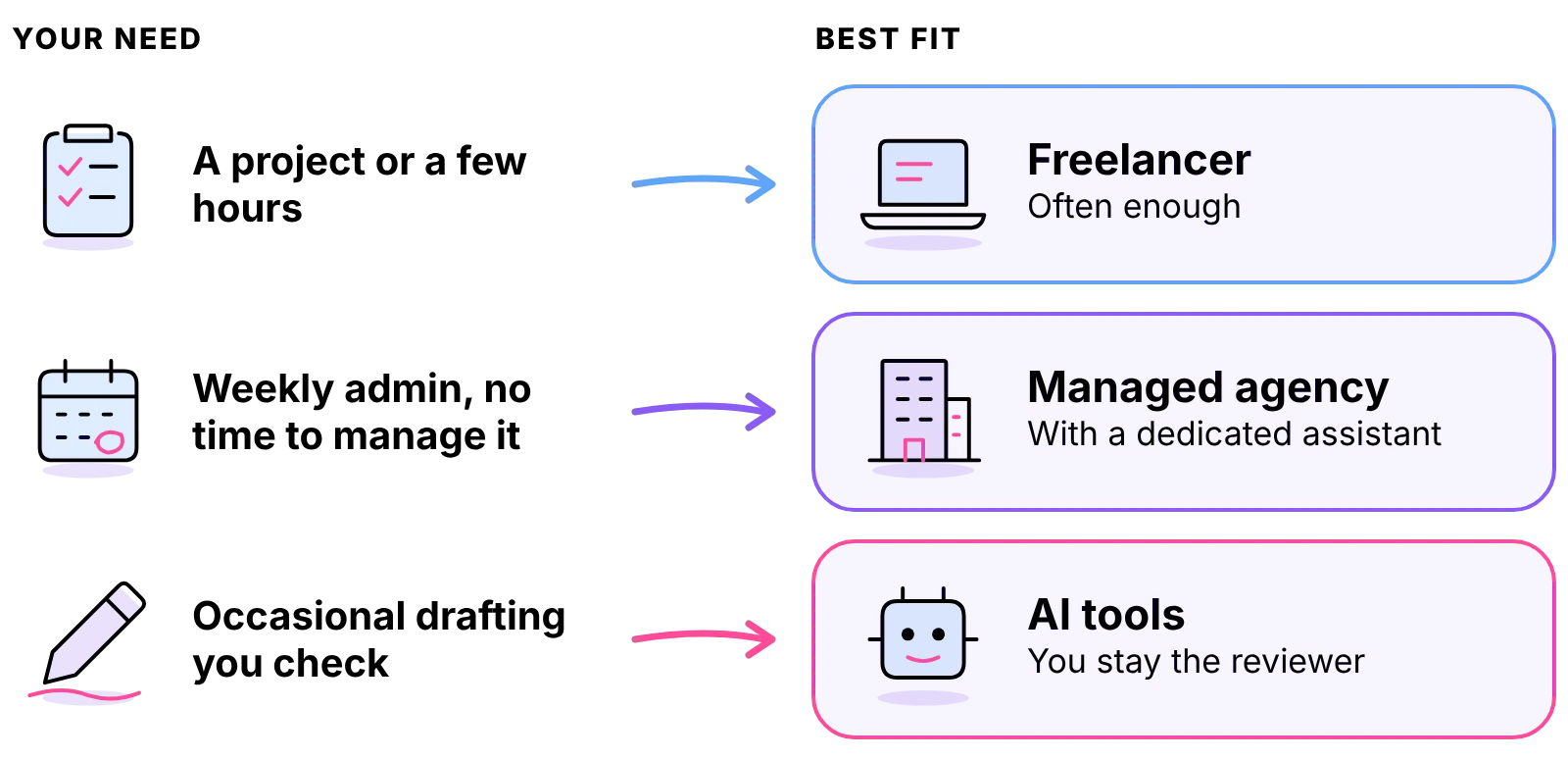
Which option suits a small business
- A defined project or a few hours a month: a freelancer is often enough.
- Recurring admin every week, and no time to manage it: a managed agency with a dedicated assistant.
- Occasional drafting you will check yourself: AI tools, with you as the reviewer.
Tasks to delegate first
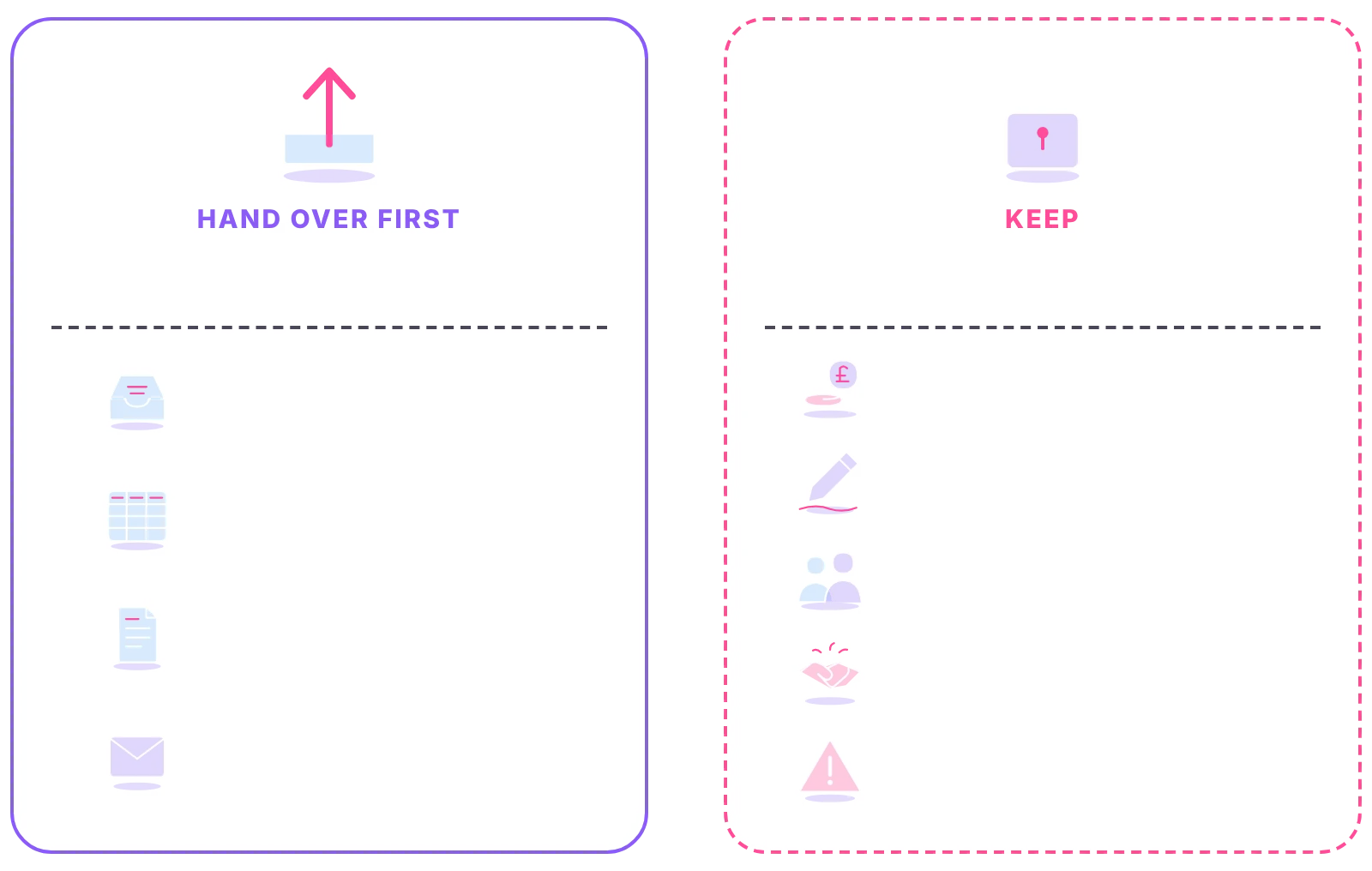
The best first tasks repeat every week, follow rules you can write down, and cost you time without needing your judgement. Hand those over first, prove the handover works, then add more.
Inbox and diary
Your inbox and diary are usually the quickest win. The assistant sorts incoming email into what needs you, what they can answer and what can wait, drafts routine replies for you to approve at first, and books, moves and confirms meetings inside rules you set. Our inbox management page shows how that service runs day to day.
Data entry, research and document preparation
Updating your CRM or spreadsheets, entering orders or timesheets, researching suppliers or prospects, and turning your notes into tidy documents are all good early tasks. They have a clear finished state, so you can check the quality quickly. For high-volume record work, a data entry virtual assistant is the specialist option.
Customer and supplier admin
Chasing quotes, sending reminders, confirming orders and keeping records up to date are tasks that slip when you are busy. An assistant who owns them makes sure nothing waits for you to remember it.
Tasks to keep in-house
Keep anything that commits your money or your name in a way you have not agreed in advance: pricing decisions, contract signatures, hiring and firing, and sensitive conversations with key clients. Keep, too, the tasks you have not yet written down. Our list of admin tasks to delegate goes further once the first handover is working.
First handover checklist
Copy this and fill it in before your assistant starts:
- The weekly tasks you will hand over, each with its finished state
- The rules for each task: what the assistant can decide, and what comes to you
- The systems they need, and the access level for each
- How and when they will report to you
- The tasks you are keeping, so nothing is assumed
What a virtual assistant costs a small business
Against a direct hire, an employee costs employer National Insurance, pension contributions, paid holiday, equipment, and the time it takes you to recruit and manage them, on top of their pay. A virtual assistant through an agency is billed for the hours you agree, with those costs inside the rate. Three things move the price: the hours you need, the level of experience, and how much management is included. For the wider picture, see our guide to virtual assistant cost in the UK.
At Ant Assist, an admin virtual assistant starts at £5 per hour on the introductory rate: the first 6 months on the Entry tier, 3 months on Mid, 1 month on Expert. After the promotion, the admin Entry rate is £6.30 per hour full time (£1,008 a month for 160 hours) or £6.50 per hour part time (£520 a month for 80 hours). Put your own hours into the calculator to compare that with an in-house hire.
What the £5/hour entry rate includes
- Dedicated VA, never shared
- UK-hour aligned support
- Management and supervision included
- Recruitment and onboarding included
- Office infrastructure included
- VA replacement available
- No NI, pension, or holiday costs
- 3-month probation, no penalty to leave
Data protection when a VA uses your systems
Your assistant will work inside your email, calendar and files, so set access up properly from the first day. This is general information, not legal advice.
Data processing agreements
If the assistant handles personal data for you, such as customer names, emails or order details, UK GDPR Article 28(3) says the processing must be governed by a contract that binds the processor and sets out the subject-matter, duration, nature and purpose of the processing. With an agency, ask for its data-processing agreement before work starts.
Password managers and revocable access
Share logins through a password manager, never by email or chat. Give each account the lowest access level that does the job, and keep a list of what you have shared, so you can remove access in minutes if the engagement ends.
VAs based outside the UK
If your assistant works from outside the UK, ask the provider how it handles personal data sent abroad, and get the answer in writing. Our virtual assistant contract guide covers data protection clauses in more detail.
How to choose a virtual assistant provider
Choose a virtual assistant provider by asking whether the assistant is dedicated, who supervises them, what happens if they leave, which hours they work, how data is protected, the minimum term and what the rate includes. Whichever route you take, ask these questions before you sign:
- Is the assistant dedicated to me, or shared across clients? A dedicated assistant learns your business; a pool means re-explaining.
- Who supervises the work, and how do I raise a problem? Look for a named person, not a ticket queue.
- What happens if the assistant is ill, leaves or is not the right fit? Ask how cover and replacement work, and whether a replacement costs extra.
- Which hours will they work? Make sure they overlap with your working day.
- How is my data protected? Ask about confidentiality agreements, a data-processing agreement, password managers and how access is removed.
- What is the minimum commitment, and what notice applies? Read the term before you sign; our guide to the virtual assistant contract explains each clause in plain words.
- What exactly does the hourly rate include? Recruitment, management, equipment and office costs either sit inside the rate or are billed on top.

If you would rather hire an assistant directly, a written role description saves time; our virtual assistant job description gives a template to adapt. The VA hiring guide covers the full hiring process step by step.
The first month: onboarding and review
Onboarding week
Spend the first days on the tasks you wrote down. Walk the assistant through each one once, share the access they need, and agree what they decide alone and what comes to you. Expect questions: they are a sign the assistant is learning your business properly.
Reporting rhythm
Agree a short end-of-day note at first: what was done, what is waiting, what needs you. A weekly call to review the work and adjust the rules keeps small problems small.
First task review
Check the first pieces of work closely, correct them once in writing, and update your task notes with the correction. By the end of the first month, the routine tasks should run without you, and you can decide what to hand over next.
Getting help from an admin virtual assistant
Ant Assist is a UK-managed virtual assistant agency. Each admin VA is recruited, managed and supervised from our own managed office in Cairo, works full time from there, and is a person, not a freelancer and not AI. For cover on your inbox, diary and records, a virtual admin assistant is the usual route.
- Dedicated, never shared. One assistant learns your business and works only on your account.
- The hours you need. From 20 hours a week up to a full 40-hour VA, on UK business hours, 9am to 5pm Monday to Friday.
- Replacement without restart cost. If the fit is wrong, we replace the VA and carry the handover.
- Security built in. NDAs and data-processing agreements, password managers and revocable access.



Small business VA questions
Didn't find your answer? Browse more common questions in the Help Center.
Hand over the admin, keep the business.
A dedicated, UK-managed admin VA, from £5 per hour.
A free 15-minute call, no obligation. Or get an instant estimate with the calculator.